HOW TO REGISTER ONLINE WORKPLACE HARASSMENT COMPLAINTS?
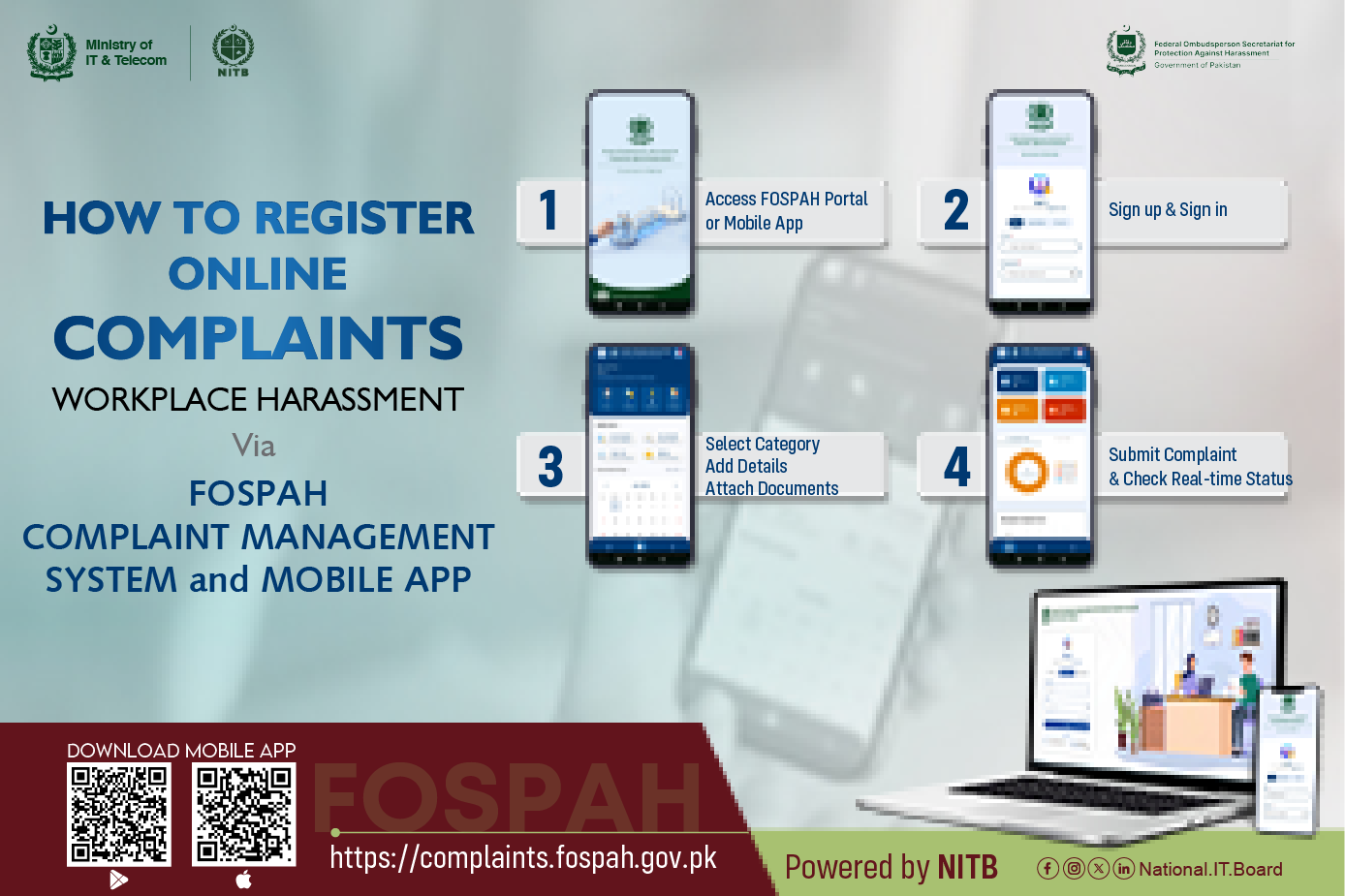
Filing a complaint with FOSPAH is quick, secure, and straightforward. Here is how you can submit your case online in just a few minutes using the “FOSPAH Portal or Mobile App”:
- Step 1: Access Platform: Visit “https://complaints.fospah.gov.pk/login” or open the FOSPAH Mobile App.
- Step 2: Sign Up / Sign In: Create your user account using basic credentials and log in securely.
- Step 3: Fill Details: Select complaint category, enter incident details, and attach supporting evidence/documents.
- Step 4: Submit & Track: Submit your complaint to receive a unique tracking ID and monitor real-time case progress via SMS and app alerts.
FOSPAH Mobile App:
- Android: https://play.google.com/store/apps/details...
- iOS: https://apps.apple.com/pk/app/fospah/id6775423746
FOSPAH Portal:
https://complaints.fospah.gov.pk/login
Empower yourself with technology and legal protection!
 NITB
NITB